
Love days counter for iPhone
Every day together,
counted.
Pig Love puts your days together on the Home Screen, keeps the memories you share, and pairs you with your partner so you both see it.
Free · Premium is a one-time purchase
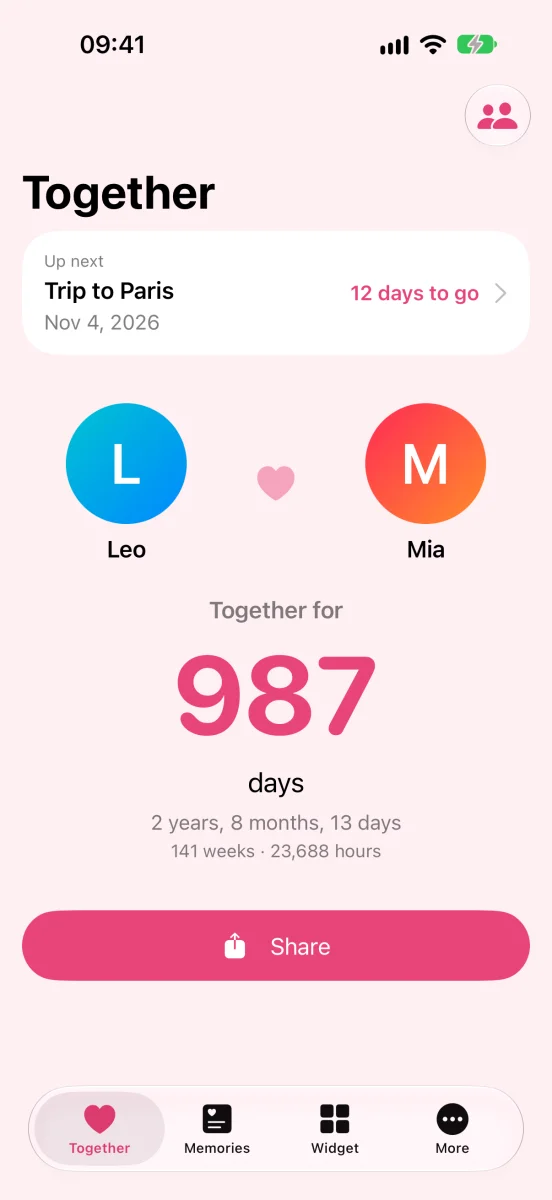
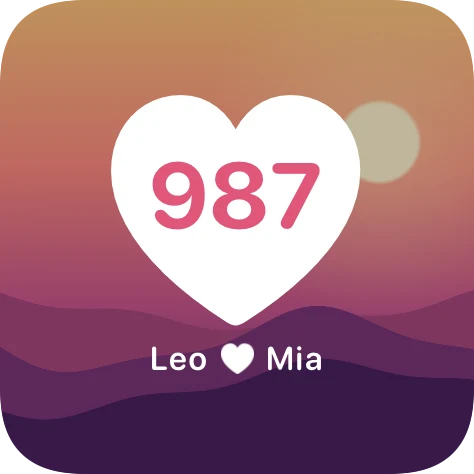
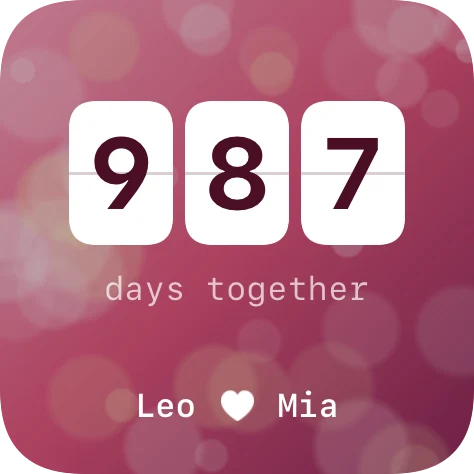
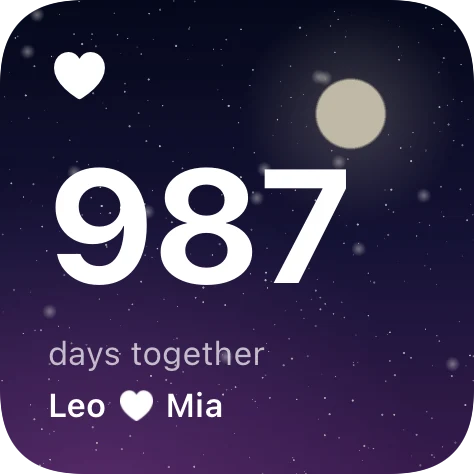
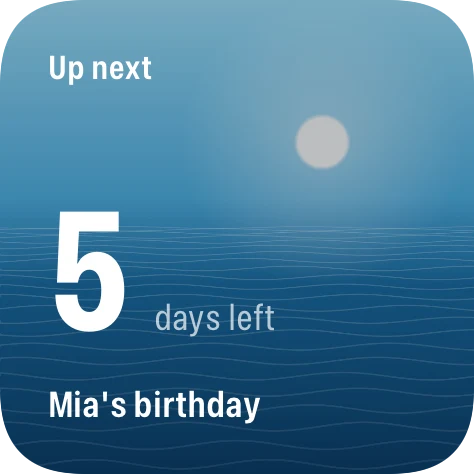
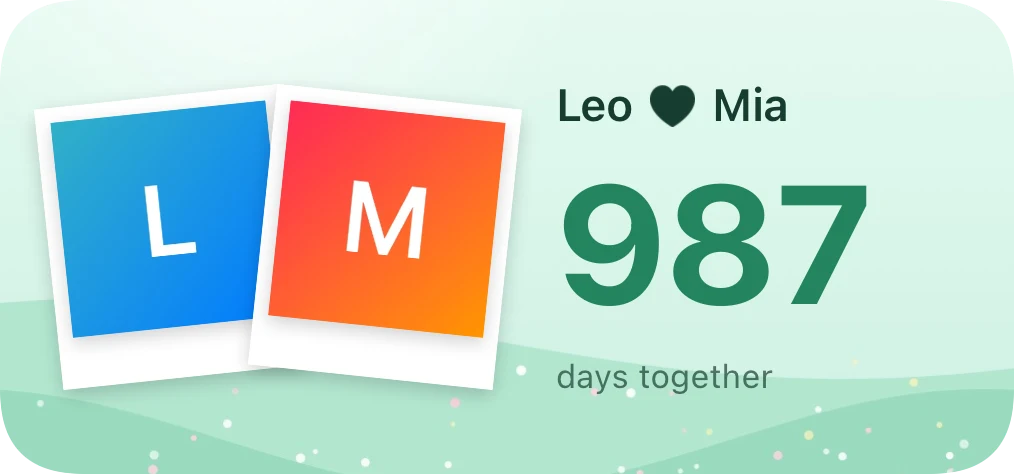
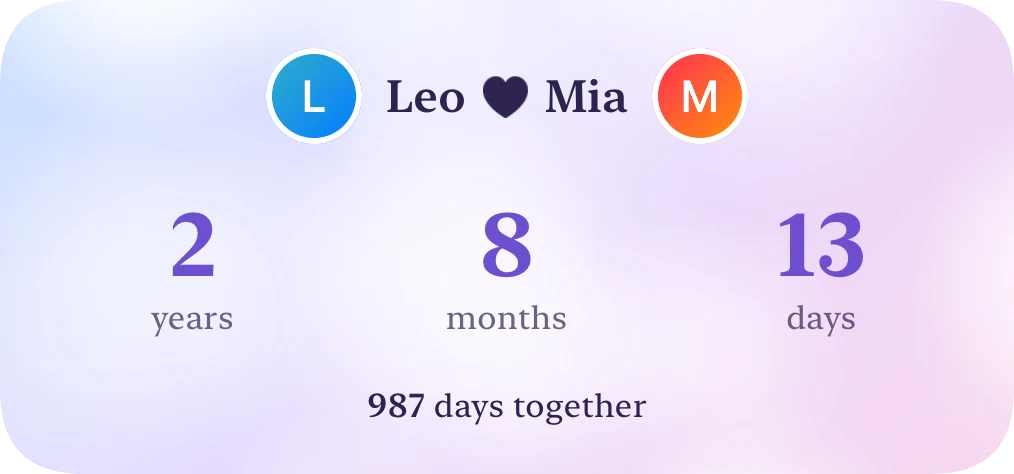
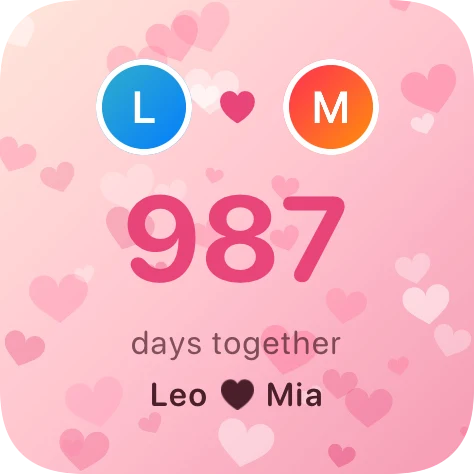
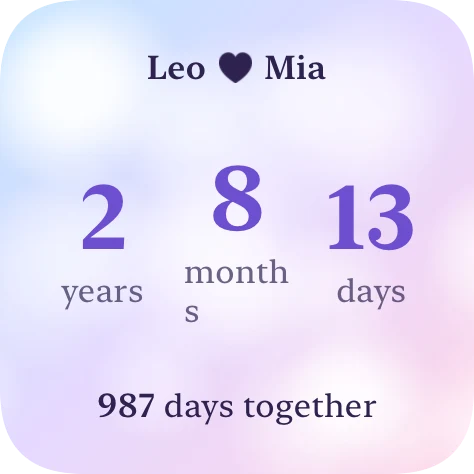
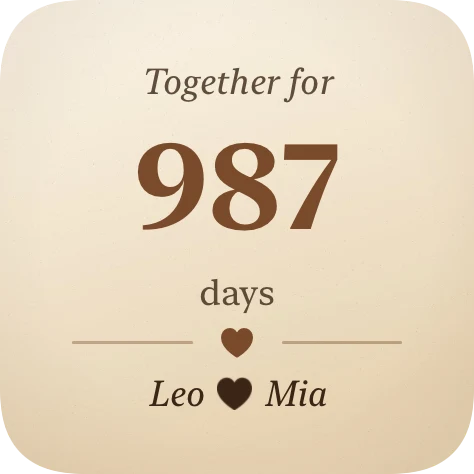
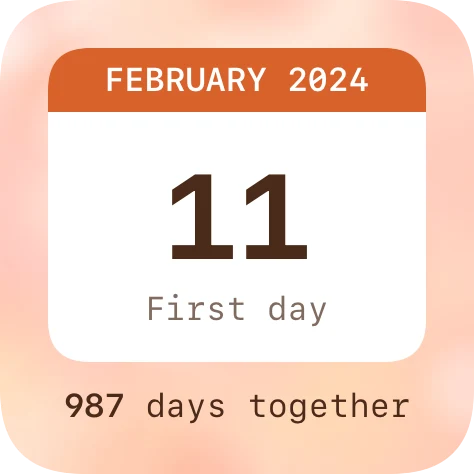
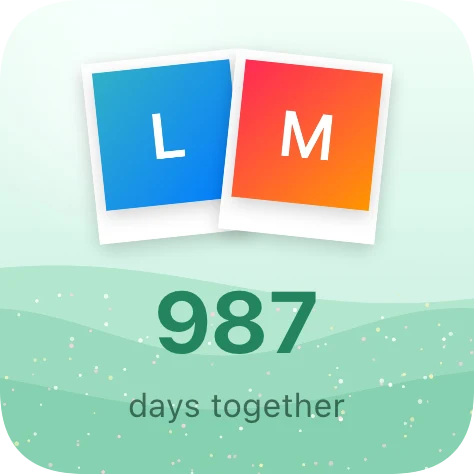
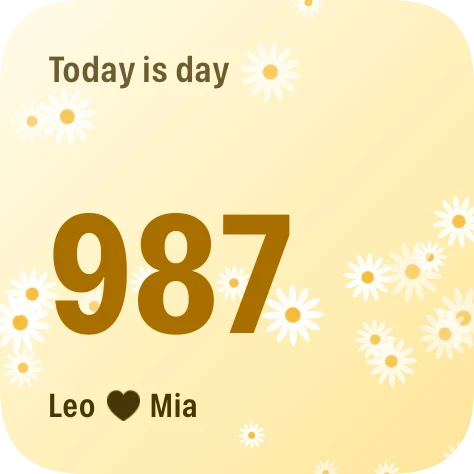
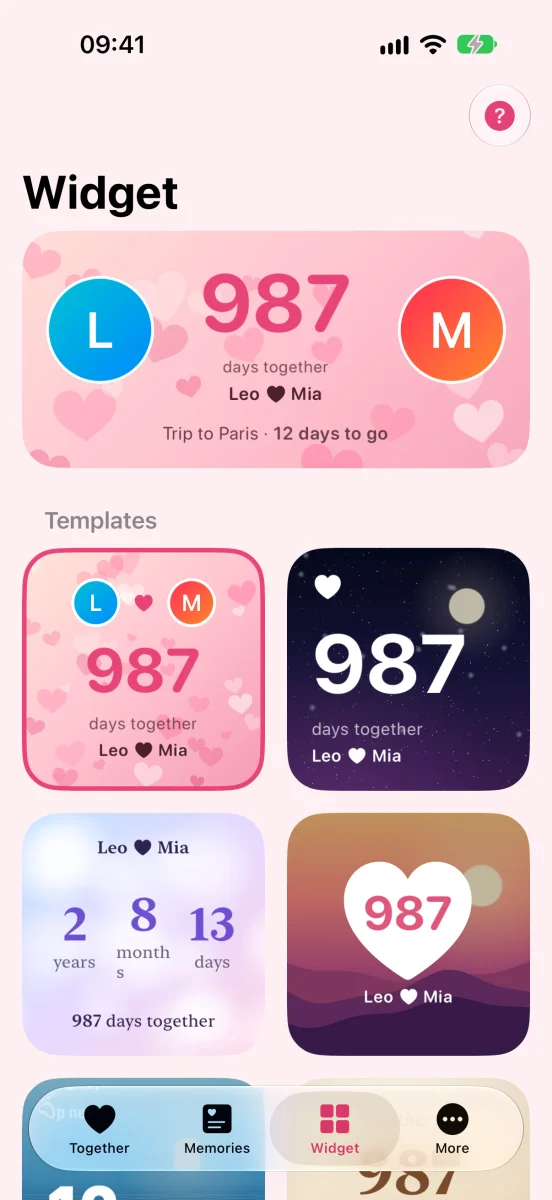
10 widget templates, made yours
Small, medium or large on the Home Screen. Change the photo, colors and font of each template.
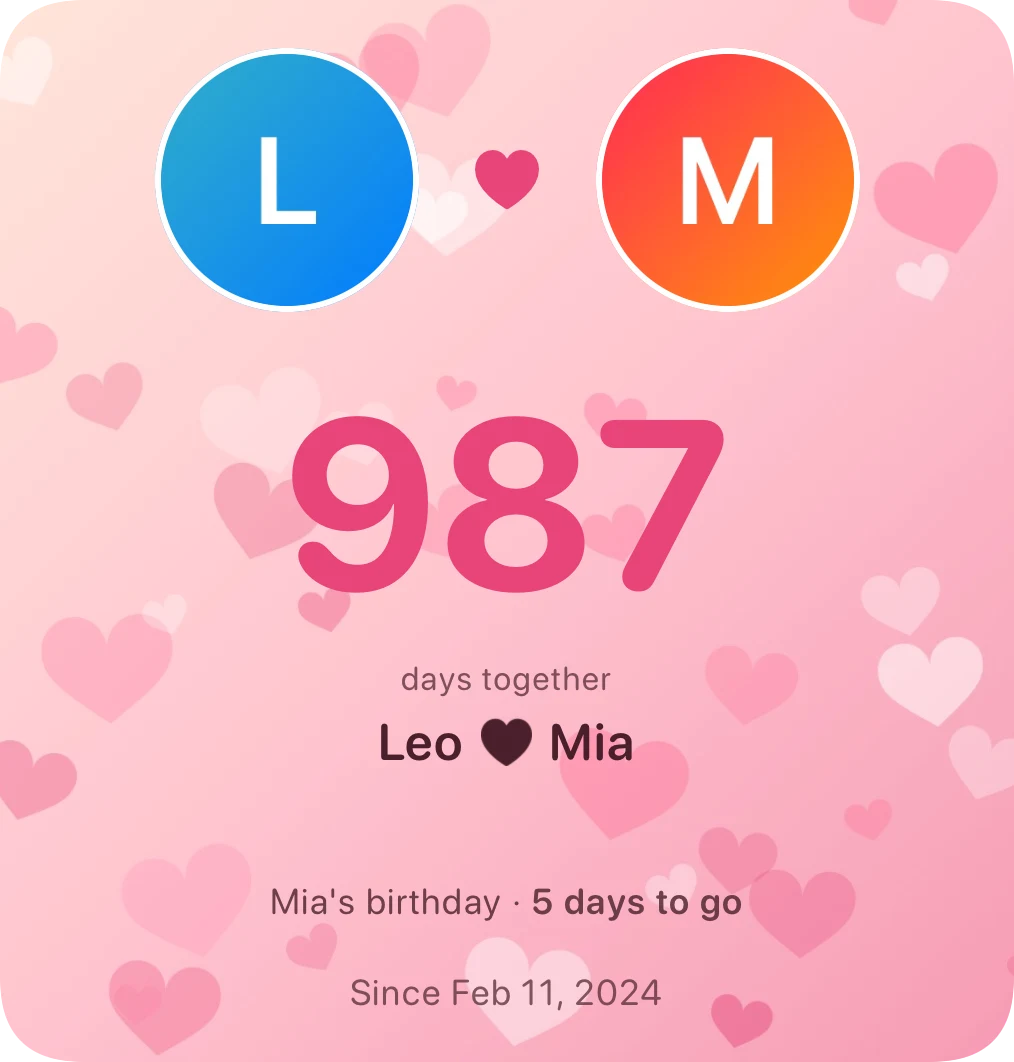
Everything you two need, nothing you don't
Pair through iCloud
Send one invite link. Both phones share the start day, names, photos, special days and memories, and stay in sync.
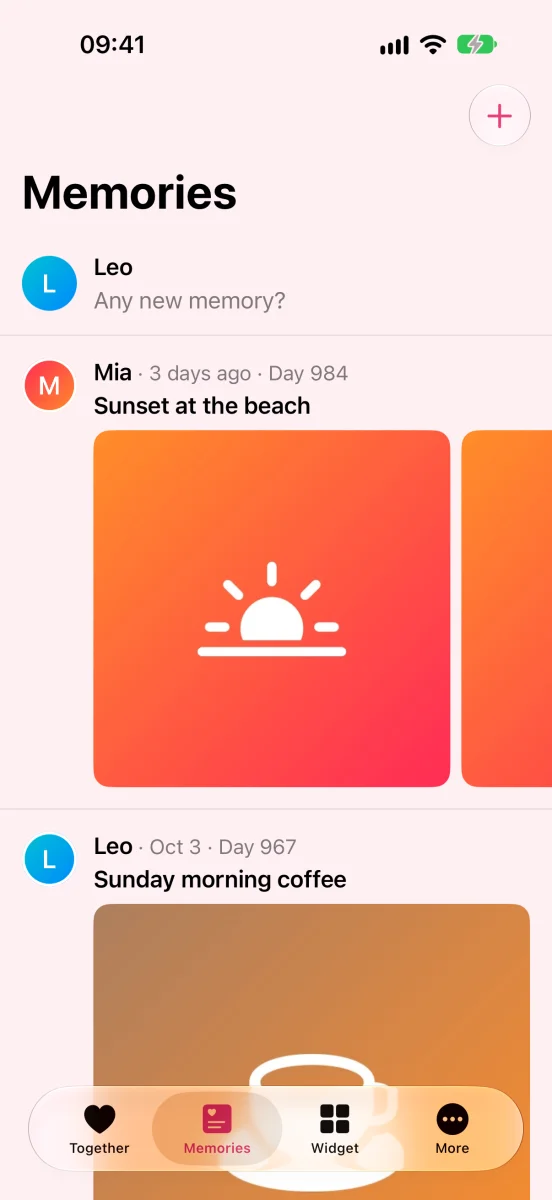
Memories for two
Post memories with photos and notes, see who posted, which day together it was, and what happened on this day.
Milestones
100 days, 1,000 days, anniversaries and fun numbers like 1,111 days, with a celebration and a shareable image.
Lunar dates
Birthdays and anniversaries on the lunar calendar land on the right day every year.
Reminders a day ahead
Special days are reminded the day before and on the day, at the time you choose.
Private and personal
No account, Face ID lock, 11 color themes for light and dark mode. Your data stays on your device and in your iCloud.
Clean, and right at home on iOS
Pair up in three steps
- 1
Create your couple
Enter your start day, both names and pick your photos.
- 2
Send the invite
Share the link through Messages or any chat app. You both need to be signed in to iCloud.
- 3
Count together
Your partner opens the link and sees everything, in the app and on widgets.
Pig Love Premium
Buy once, keep forever. No subscription.
Free
- ✓Day counter, milestones, special days
- ✓Photo memories
- ✓Pairing through iCloud
- ✓10 widget templates, 11 themes
- ✓Face ID lock, reminders
Premium
- ✓No ads
- ✓Apply widget styles without watching ads
- ✓Share images without the Pig Love mark
Questions
How do I add a widget?+
Pick a template in the Widget tab of the app. Then touch and hold the Home Screen, tap Edit › Add Widget, search for Pig Love and pick a size.
What if my partner uses Android?+
Pairing needs both of you on iPhone, signed in to iCloud. Pig Love works fully on its own too.
Is the start day day 1 or day 0?+
By default the start day counts as day 1. Tap the day count on the Together tab to change it.
Will I lose my data on a new phone?+
No. Everything syncs through iCloud; sign in with the same account and it comes back. Premium comes back with your Apple Account.